Word art generator: make a picture out of words
Type a name, a quote or a whole poem, and your words fill every part of your photo, from large headline words to tiny filler letters, until the picture appears.
- Free
- No sign-up
- Private, in-browser
- PNG & video export
Word art examples
Famous public-domain artworks rebuilt with this generator. The small picture in the corner of each card is the original.
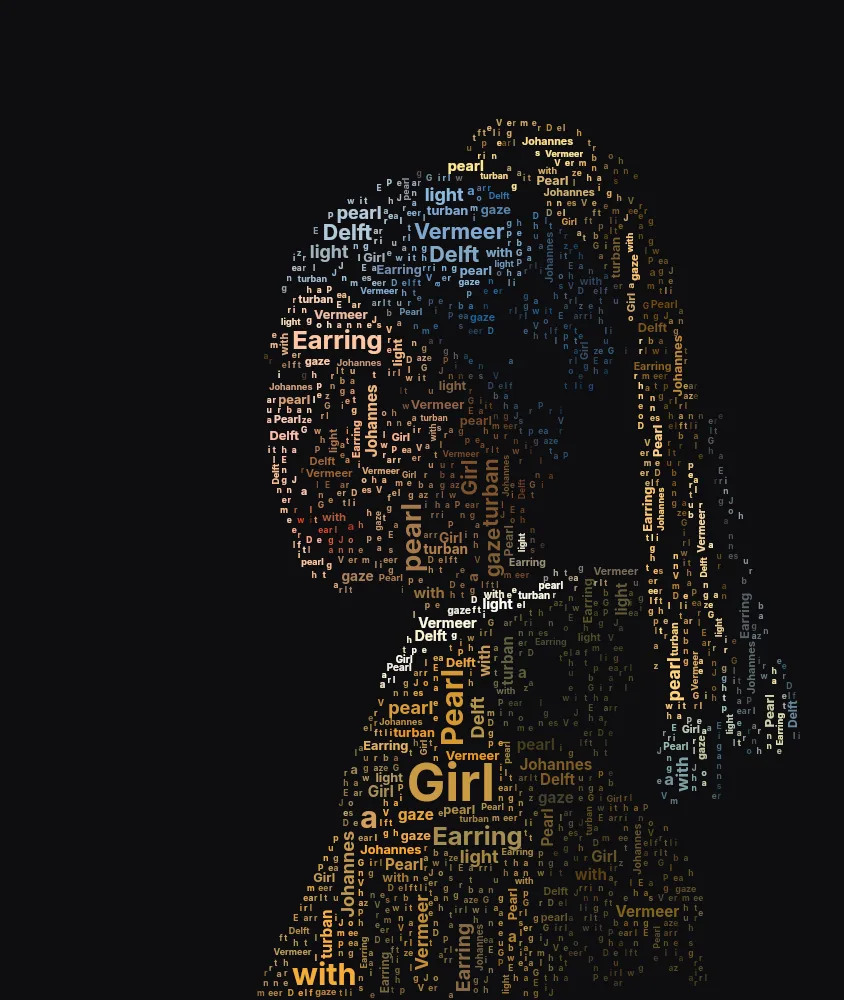
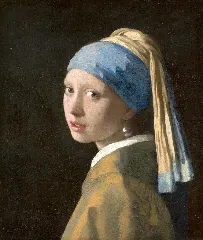 OriginalGirl with a Pearl EarringJohannes Vermeer, c. 1665 · public domainWordsvivid colours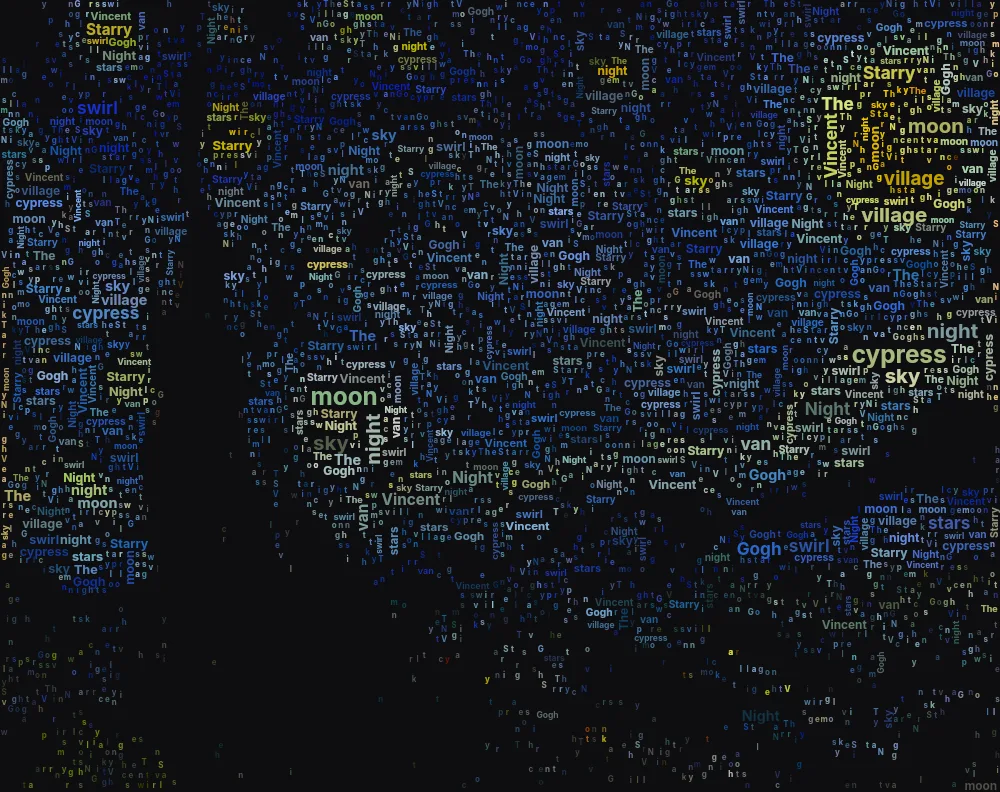
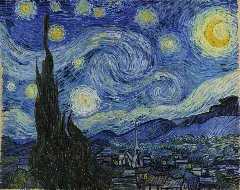 OriginalThe Starry NightVincent van Gogh, 1889 · public domainWordsvivid colours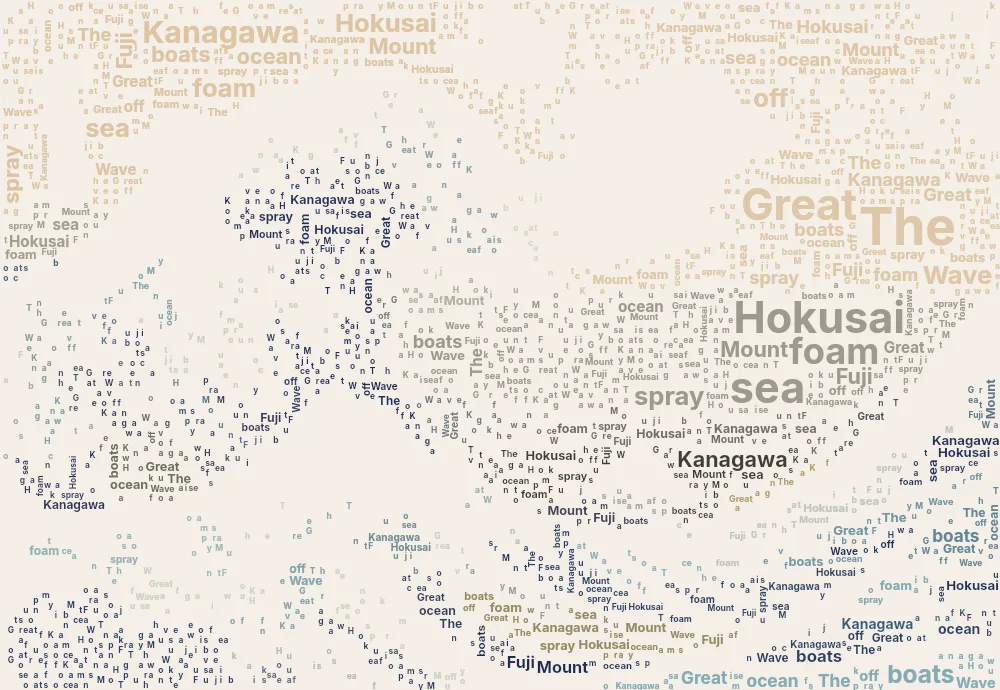
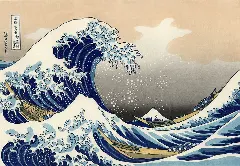 OriginalThe Great Wave off KanagawaKatsushika Hokusai, c. 1831 · public domainWordsflat poster colours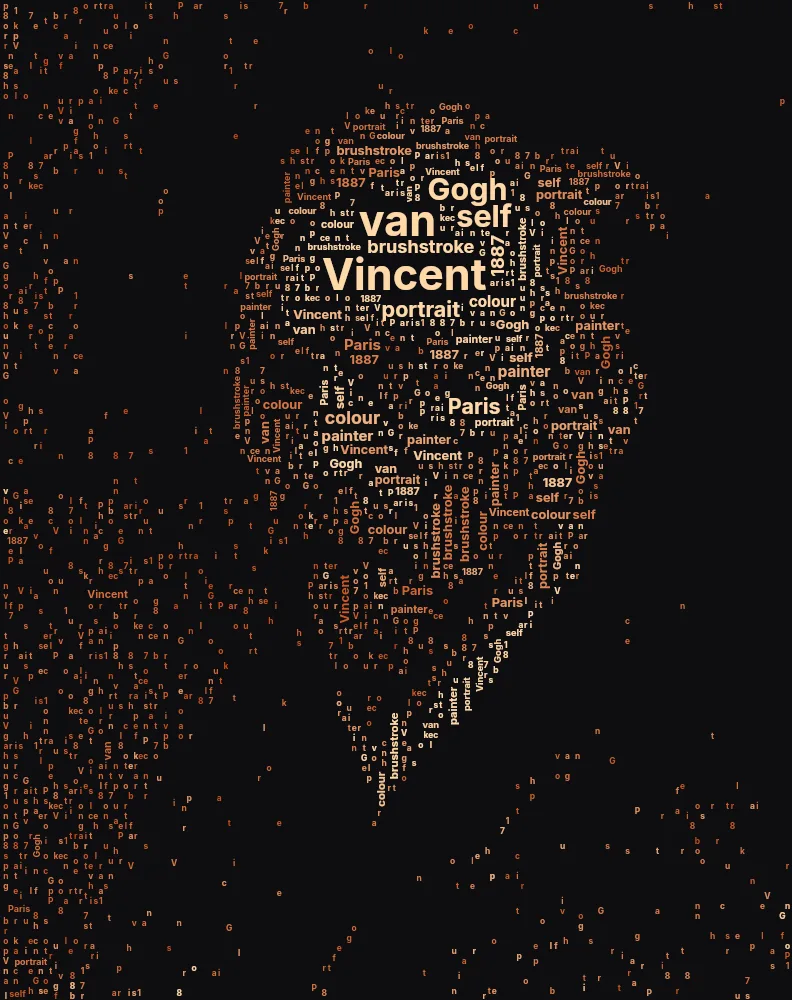
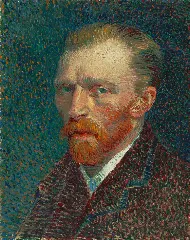 OriginalSelf-PortraitVincent van Gogh, 1887 · public domainWordstwo-tone ink
How to make a picture out of words
Upload a photo
Choose a photo with a clear subject, such as a portrait, a pet or a landmark. Upload it, drag it onto the canvas or paste it.
Type your words
Enter the words you want the picture made of, such as names, a quote or song lyrics. They are placed in order and repeat until the image is full.
Set the word sizes
Biggest words caps how large the headline words can get. Vertical words mixes in rotated words for a denser, more energetic look.
Choose the colours
Photo colours keeps the original look, Vivid makes it pop, Flat poster gives each part one colour, and Two-tone uses two colours you pick.
Generate and download
Press Generate to watch the words fill the picture part by part, then download the PNG or record a video.
A word cloud shaped like your photo
Regular word clouds pour words into one outline. This one splits the photo into many parts and packs words into each, never crossing a border, so faces, horizons and shapes stay recognisable.
Each word takes the colour of the photo underneath it. For a poster look, choose “Flat poster”, which gives each part a single colour.
How the words are placed
Parts are filled from the biggest words down to the smallest. Before a large word is placed, the generator checks that the area under it is smooth, with no strong edges or sudden colour changes. That keeps big words in skies, backgrounds and cheeks, while eyes, outlines and other fine details are built from small words and stay sharp.
When no more words fit, the remaining gaps are filled with single letters taken from your text in order, so the texture stays even right up to the edges of each part.
Choosing your words
The words carry the meaning of the piece, so pick ones that belong to the picture:
- Names
- A person's name, a family's names or a team's names inside their photo. The most popular gift idea.
- Quotes and vows
- A favourite line, a wedding vow or a motto, repeated through the image.
- Lyrics and poems
- A song inside a photo of the band, or a poem inside the place it describes.
- Places
- Street names inside a city skyline, or the stops of a journey inside a travel photo.
Tips for better word art
Word art looks best when big and small words mix well. These settings help:
- Mix short and long words
- Short words fill small gaps; long words make striking headlines. Five to thirty words is a good range.
- Lower Biggest words for detail
- Smaller maximum sizes keep more of the photo's detail. Raise it for a bold, poster-like look.
- Use Parts to control shapes
- Fewer parts give big areas and large words; more parts follow the photo more closely.
- Try a display font
- Bebas Neue packs tightly and looks great at large sizes; Caveat gives a warm, handwritten feel.
Make it personal
Word art makes a good gift: put a couple's story inside their wedding photo, a pet's nicknames inside its portrait, or a team's names inside the group photo. Download at the largest canvas size for printing, or record the build as a video. Watching the words assemble into a face is half the fun.
Frequently asked questions
How much text do I need?
Even a few words work, because they repeat to fill the image. Longer text gives more variety; up to 600 characters are supported.
Why are some of my words small or cut into letters?
Large words only go where the photo is smooth, so detailed areas get small words. Leftover gaps are filled with single letters from your text. Raise Biggest words or lower Detail for larger words overall.
Can I use other languages?
Yes. Latin-alphabet languages work with every font. Other scripts fall back to a font installed on your device, which usually works well but may look different from the selected font.
How is this different from a word cloud generator?
A word cloud fills a single outline and sizes words by how often they appear. Here the photo itself decides the layout: every region is filled separately and every word takes the photo's colour, so the result looks like the picture.
What size can I print it?
With Canvas size at 1600 px, the PNG is 3200 px on the long side, enough for a sharp A4 or letter-size print.