Text portrait generator: turn a photo into flowing text
Lines of your text flow along the edges and curves of your photo, like an engraving written in words. Strong outlines are drawn first, then the rest of the image fills with flowing lines.
- Free
- No sign-up
- Private, in-browser
- PNG & video export
Text portrait examples
Famous public-domain artworks rebuilt with this generator. The small picture in the corner of each card is the original.
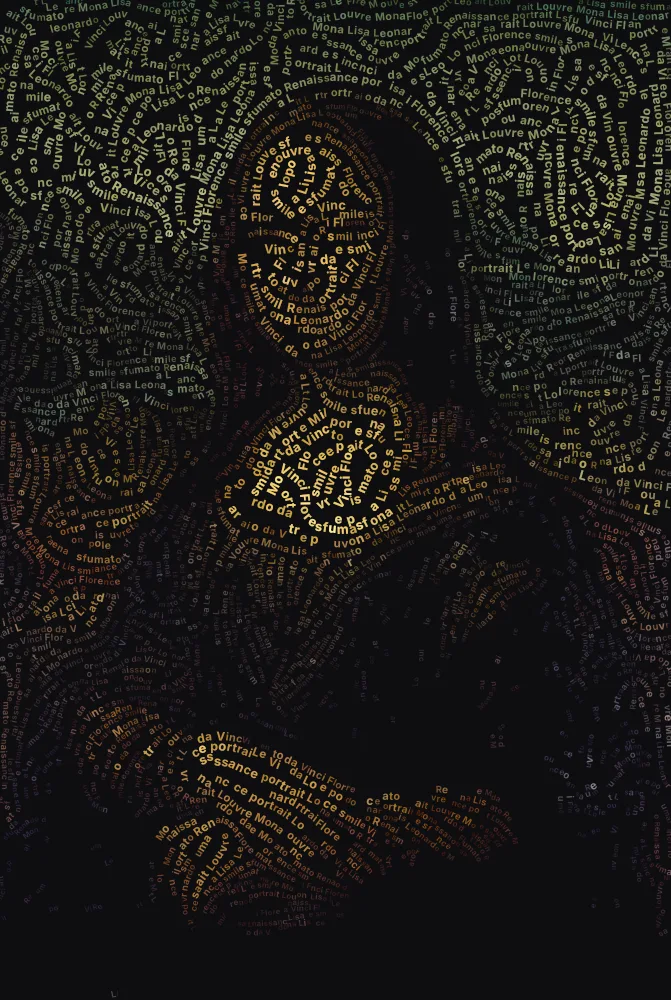
 OriginalMona LisaLeonardo da Vinci, c. 1503–1519 · public domainFloworiginal colours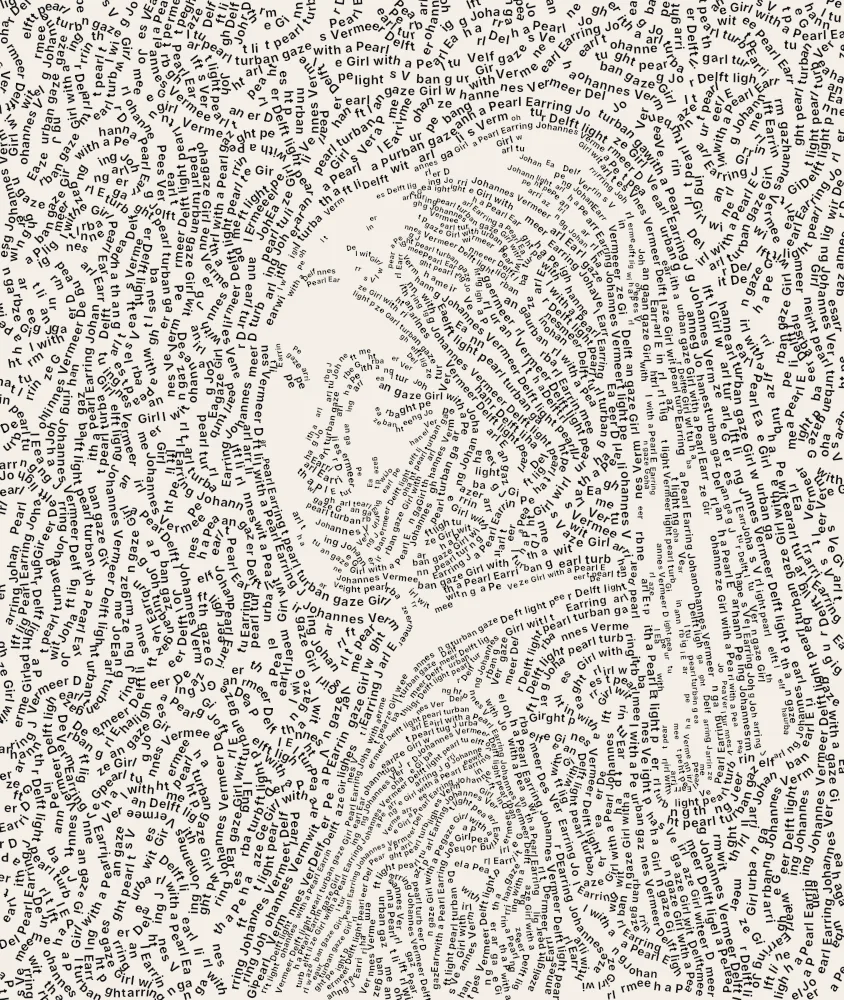
 OriginalGirl with a Pearl EarringJohannes Vermeer, c. 1665 · public domainFlowa single ink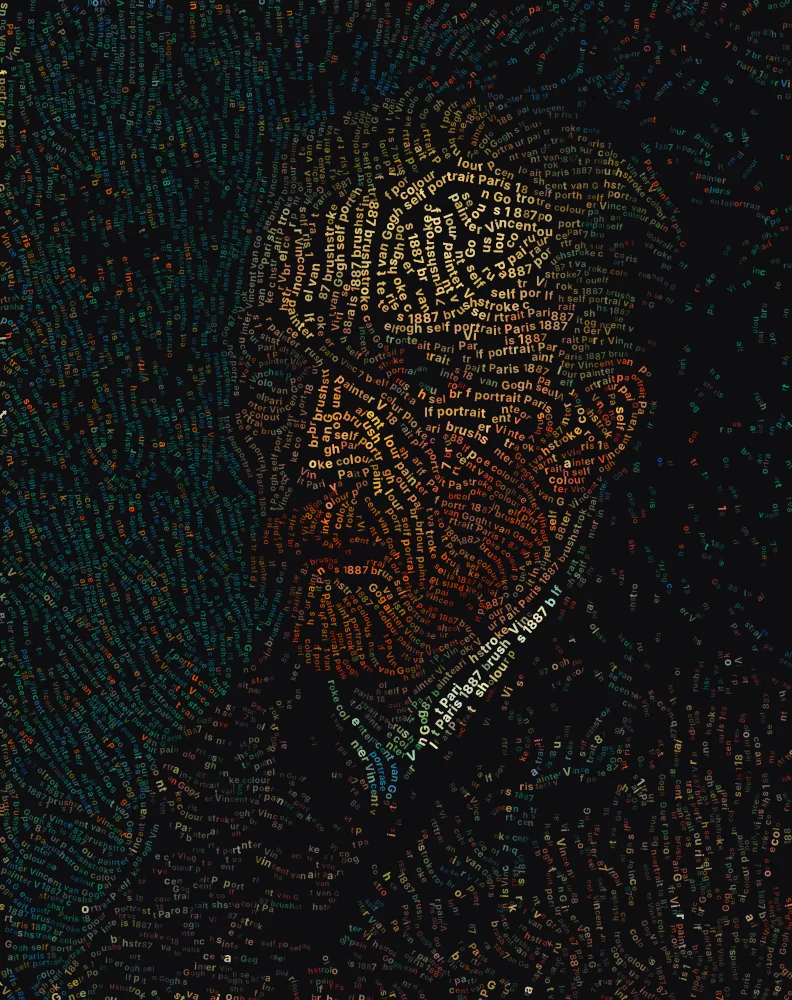
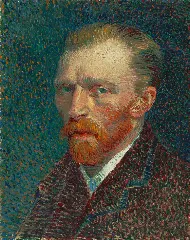 OriginalSelf-PortraitVincent van Gogh, 1887 · public domainFlowvivid colours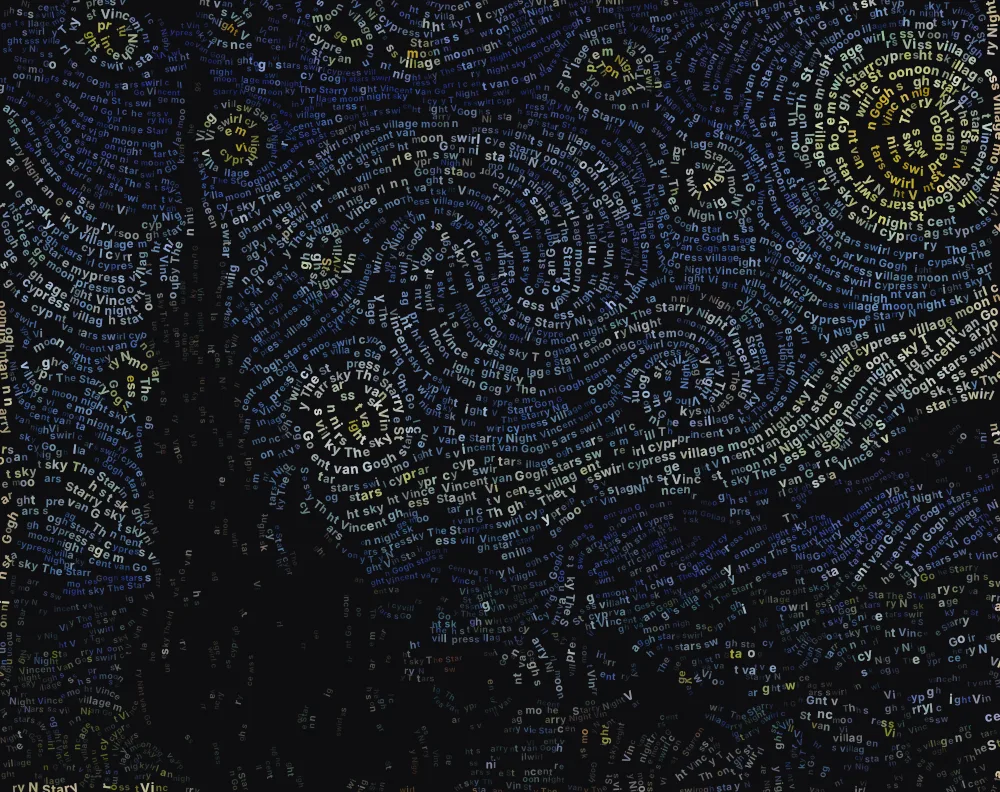
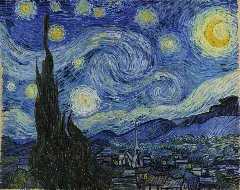 OriginalThe Starry NightVincent van Gogh, 1889 · public domainFloworiginal colours
How to make a text portrait
Choose a close-up photo
Upload a well-lit portrait where the face fills most of the frame. Pets and statues work well too.
Paste your text
Add lyrics, a poem, a letter or a list of names. The Flow style writes it in reading order along the curves of the image.
Set detail and contrast
Higher Detail gives smaller letters and finer lines. Raise Contrast so the features stand out clearly.
Pick the look
Single ink on Paper looks like an engraving; Photo colours on a dark background glows. Choose Outlines first as the fill order to watch it drawn like a sketch.
Generate and download
Press Generate, watch the lines appear, then save the PNG or record the drawing as a video.
What is a text portrait?
A text portrait is a picture of a person drawn with lines of writing. Instead of shading with pencil strokes, the lines of text curve around the eyes, follow the jaw and sweep across the hair, and their size and spacing create the light and shadow.
It draws on old traditions: the hatching of copper-plate engravings, and micrography, where scribes formed images out of tiny lettering. The result works on two levels, as a portrait from a distance and as something to read up close.
How the text follows your photo
The generator measures which way each part of the image is running, along a jawline, around an eye or across a horizon, and writes your text in that direction. It starts with the strongest edges, so the outlines appear first, then fills the rest of the image with flowing lines.
Letter size follows tone, so darker or brighter parts get bigger letters and the portrait reads even from across a room. Lines stop at the border between two parts of the image and never curl into tight spirals, which keeps the features clean.
Choosing a photo
The Flow style rewards photos with clear shapes:
- Close-ups
- A face filling most of the frame gives the lines room to describe the features.
- Side lighting
- Light from one side creates the shadows and curves the text can follow.
- Simple backgrounds
- A plain wall or sky keeps attention on the face. Raise Empty space to leave it blank.
- Sharp focus
- Blurry photos have soft edges, so the lines have less to follow.
Choosing the text
Song lyrics, a favourite poem, a love letter or a list of memories all work, and the text is written in order, so it can still be read along the curves. Longer text gives more variety across the portrait; short text repeats. For a memorial or tribute piece, the person's own words are a powerful choice.
Styling your text portrait
A few combinations that work well:
- Engraving
- Single ink in near-black on the Paper background, with the Playfair serif font.
- Neon
- Vivid colours on the Ink background. The lines glow against the dark.
- Handwritten
- Caveat font with Two-tone ink, like a portrait sketched in pen.
Frequently asked questions
Can the text actually be read?
Yes. Lines are written in reading order, so at lower Detail settings, with larger letters, you can follow the text along each curve.
Can I use song lyrics or a poem?
Yes, and it's the most popular use. The lines follow your text in order, so it can still be read along the curves.
Why are some letters upside down or sideways?
The text follows the direction of the image, so on steep or curving edges letters rotate with the line. Where possible, lines are written left to right so most of the text stays readable.
Does it work for pets and objects?
Yes. Anything with clear shapes works: pets, statues, flowers and buildings. Close-ups with a simple background give the best results.
How long should my text be?
Anything from a single line to about 600 characters. Short text repeats to fill the image; longer text means less repetition.