ASCII art generator: convert any image to ASCII
Convert a photo into ASCII art, with one character per cell chosen by how much ink that cell needs. Keep the photo's colours or use a single ink, then watch the characters rain or scramble into place.
- Free
- No sign-up
- Private, in-browser
- PNG & video export
ASCII art examples
Famous public-domain artworks rebuilt with this generator. The small picture in the corner of each card is the original.
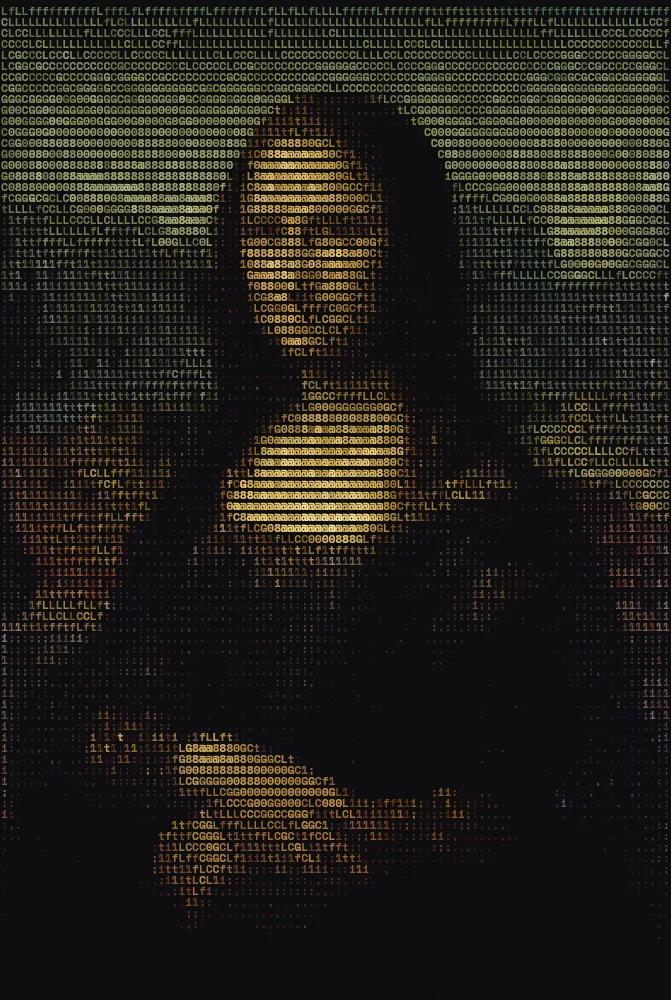
 OriginalMona LisaLeonardo da Vinci, c. 1503–1519 · public domainGridoriginal colours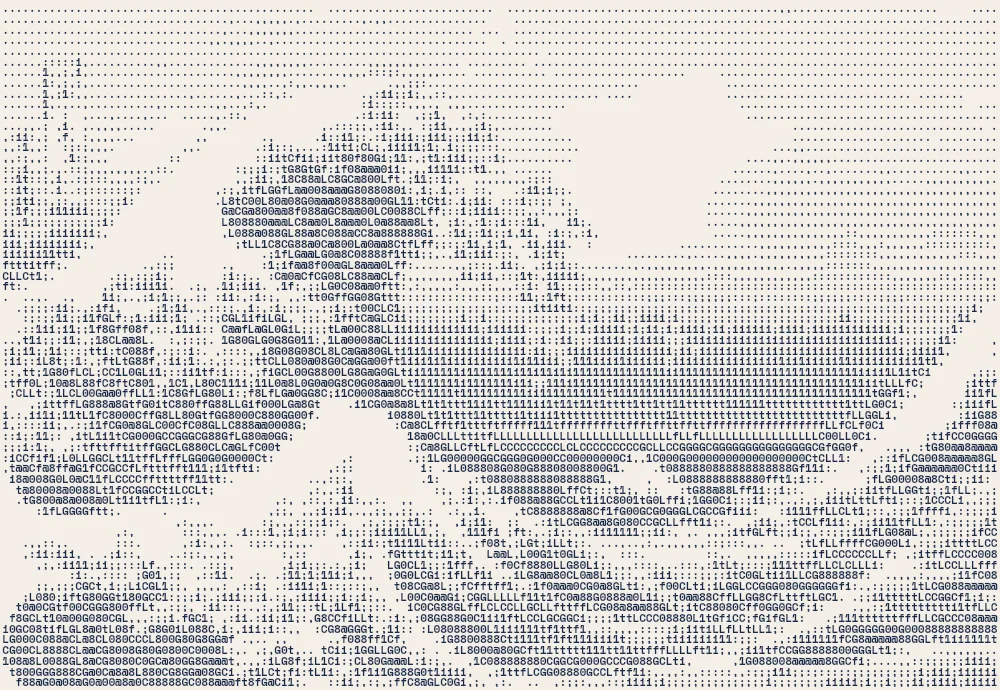
 OriginalThe Great Wave off KanagawaKatsushika Hokusai, c. 1831 · public domainGrida single ink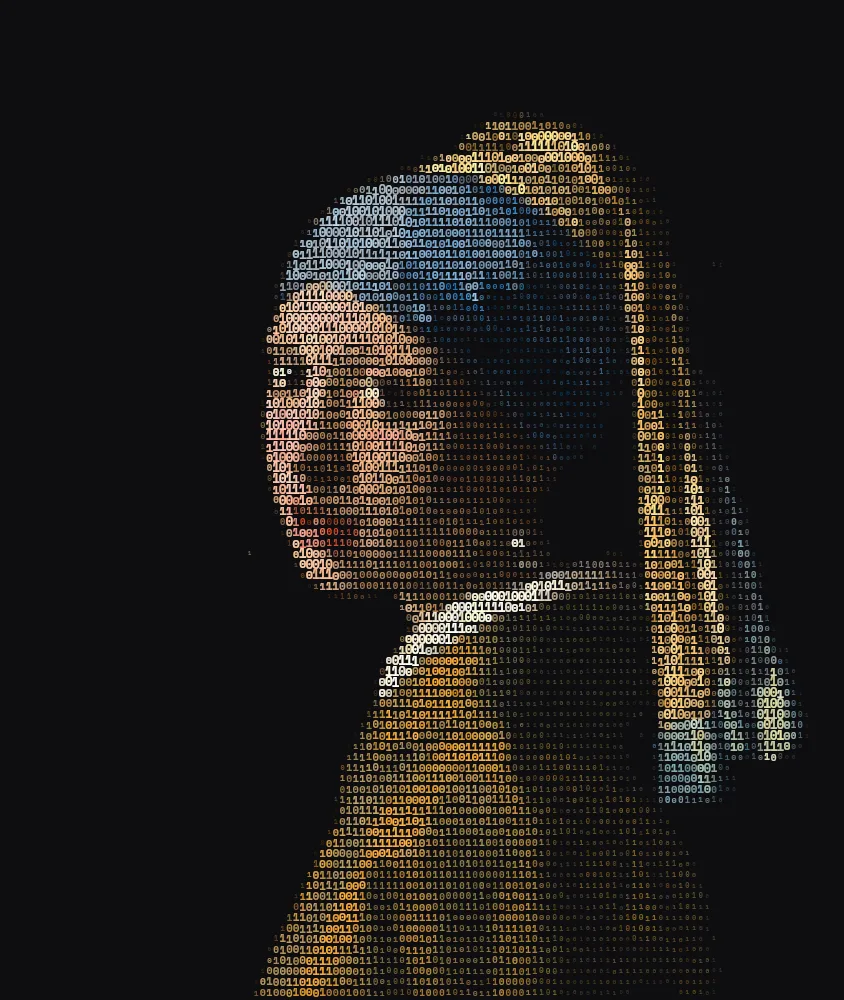
 OriginalGirl with a Pearl EarringJohannes Vermeer, c. 1665 · public domainGridvivid colours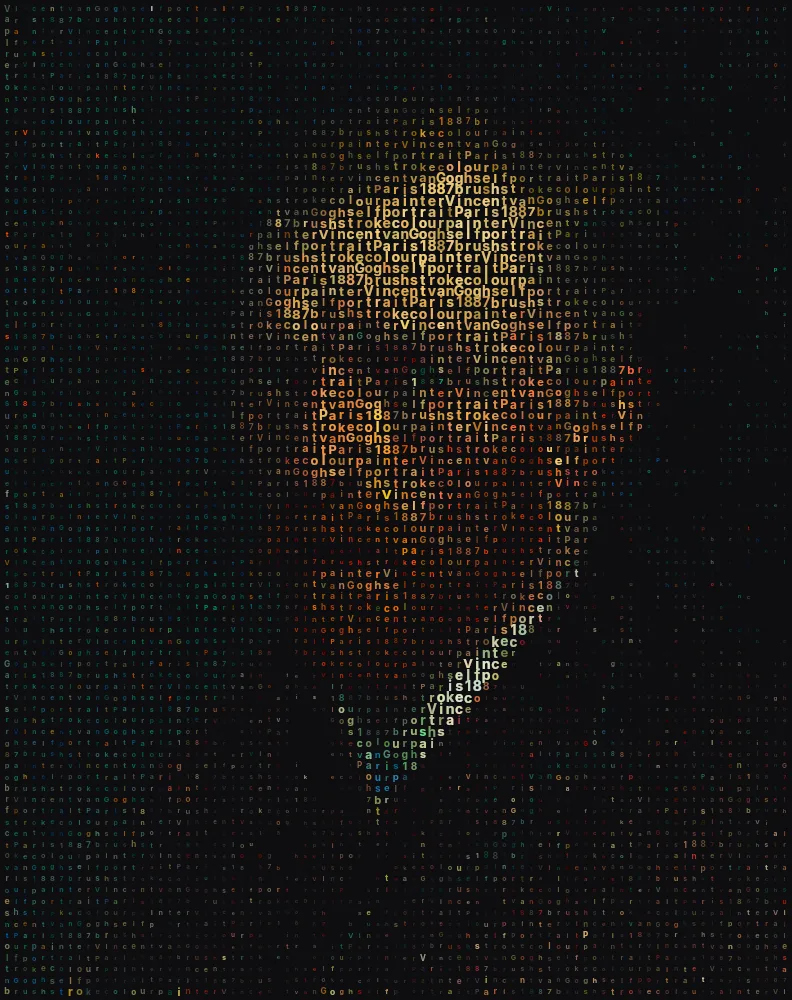
 OriginalSelf-PortraitVincent van Gogh, 1887 · public domainGridvivid colours
How to convert an image to ASCII art
Upload your image
Upload, drag and drop or paste a photo. High-contrast images such as portraits, logos and silhouettes give the clearest ASCII art.
Choose the characters
The Grid style is already selected. Pick ASCII for the classic character ramp, My text to draw with your own letters, or Binary for 0s and 1s.
Set the detail and contrast
Detail controls the cell size: higher means more, smaller characters. Raise Contrast if the photo looks flat or grey.
Pick colours
Photo colours keeps the original palette. For the traditional look, choose Single ink on a Paper or white background.
Generate and download
Press Generate to watch the characters fill in, then download a PNG, or record the animation as a video.
What is ASCII art?
ASCII art is a picture made from the 95 printable characters of the ASCII standard: letters, digits and punctuation. Because some characters cover more of their space than others, a dense “@” reads as dark and a sparse “.” reads as light. Arrange enough of them in a grid and they form an image.
The technique grew up on typewriters, teleprinters and early computer terminals, where text was the only thing a screen or printer could show. It is still popular today for its retro, hacker look and for the way a picture dissolves into characters when you look closely.
How image-to-ASCII conversion works
The image is divided into a grid of cells. For each cell the generator averages the brightness of all the pixels underneath it rather than sampling a single point, which keeps edges crisp and gradients smooth. It then picks the character whose density matches, from “.” for the faintest cells up to “@” for the strongest.
Contrast is levelled automatically, so flat, grey photos still use the full range of characters. Cells are narrower than they are tall, like the characters of a monospace font, so the picture keeps its proportions instead of looking stretched.
Three character sets
Switch the character set under Style to change the whole feel of the piece:
- ASCII
- The classic ramp of fifteen characters from light to dense. Sharp, readable and instantly recognisable.
- My text
- Writes the picture with your own words, letter by letter in reading order. Each letter is sized by the darkness below it.
- Binary
- Only 0s and 1s, sized by tone. Good for tech, data and “matrix” themed artwork.
Tips for sharper ASCII art
A few settings make a big difference to how crisp the result looks:
- Use a monospace font
- Space Mono keeps the columns perfectly aligned. It is selected automatically for the Grid style.
- Raise Detail on big canvases
- At 1600 px a high Detail setting gives fine, photographic ASCII art. At 900 px, keep it lower so each character stays legible.
- Clean up the background
- Raise Empty space to drop faint background areas and leave the subject standing on its own.
- Match the background to the photo
- Bright subjects look best on a dark background; dark subjects, such as pencil drawings, look best on Paper or white.
Colour or monochrome ASCII art
Colour ASCII art keeps each character the colour of the photo underneath it, so the image reads even at low detail. Vivid boosts the saturation for a neon look, and Two-tone maps dark and light areas to two colours of your choice. Monochrome, with Single ink, is closer to classic terminal and typewriter art and prints beautifully.
Animated ASCII art
Try the Letter rain entrance with the Top to bottom fill order for a classic terminal effect, or Scramble, where each character cycles through random symbols before settling on the right one. Record video saves the whole animation, ready to post.
Frequently asked questions
Can I copy the ASCII art as text?
The generator draws in colour and at varying sizes, so it exports images and videos rather than plain text. For the look of plain-text ASCII, choose Single ink with the ASCII character set.
Which characters does it use?
The ASCII set uses the ramp “ .,:;i1tfLCG08@”, ordered from least to most ink. My text uses the letters you type, and Binary uses only 0 and 1.
What images make the best ASCII art?
Images with strong contrast and a clear subject: faces, animals, logos and silhouettes against a plain background. Busy scenes with many small details turn into noise at low detail settings.
Can I print it?
Yes. Set Canvas size to 1600 px. The PNG download is rendered at twice that size, 3200 px on the long side, which prints sharply at A4 or letter size.
Is the conversion done on a server?
No. The whole conversion runs in your browser, so your image never leaves your device.